

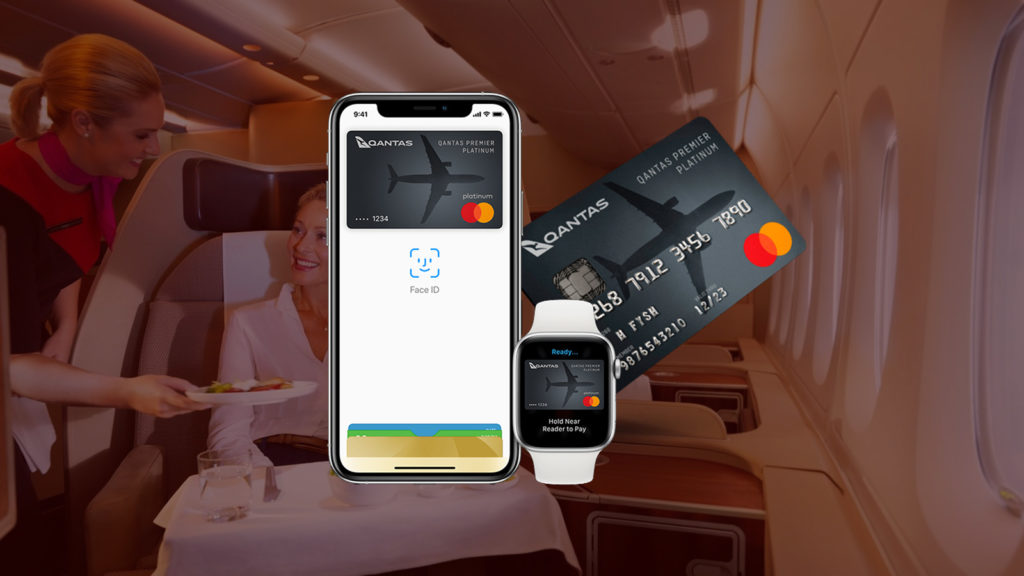
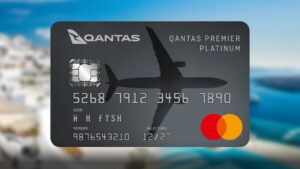
Apple Pay is making its way to Qantas Money’s line-up on credit cards, encompassing the popular Qantas Premier Everyday, Premier Platinum and Premier Titanium cards.
Though those cards are popular with Point Hackers looking to maximise their Qantas Points sign-up bonuses, one major complaint has been the lack of mobile wallet integration.
Tap and pay, the Apple way
This is all set to change now, as cardholders with Apple devices are able to add their Qantas Money card to Apple Wallet for easier online purchase. Those with NFC-enabled Apple iPhones will also be able to simply tap their phone on the terminal to pay with the card.
For security, every Apple Pay transaction on your iPhone, Apple Watch, iPad, or Mac requires you to authenticate with Face ID, Touch ID or your passcode. This means it’s harder for thieves to make a fraudulent purchase if you lose your Apple device.
Learn more about setting up Apple Pay on your device.
Summing up
Qantas Money is playing catch-up by taking this long to introduce digital wallet functionality, but at least it’s here now. However, Apple Wallet won’t be carried over to the Travel Money pre-paid card, for now.
At the time of writing, Qantas Money has not yet set a firm date on when Google Pay compatibility will be rolled out for Android phone customers, but it’s understood that this feature is in the pipeline.
Learn more about this change at the Qantas Money website.
Qantas Money Platinum

- Bonus points
- Up to 120,000 bonus Qantas Points*
- Annual fee
- $349 for the first year, $399 p.a.
- Earn
- 1 Qantas Point per whole AU$1 on Domestic Spend up to $10,000 per statement period and 0.5 thereafter. 1.5 Qantas Points per whole AU$1 equivalent on international spend plus 1 additional Qantas Point per whole AU$1 on selected Qantas spend
Qantas Money Platinum
- Bonus Points
- Up to 120,000 bonus Qantas Points*
- Annual Fee
- $349 for the first year, $399 p.a.
- Earn
- 1 Qantas Point per whole AU$1 on Domestic Spend up to $10,000 per statement period and 0.5 thereafter. 1.5 Qantas Points per whole AU$1 equivalent on international spend plus 1 additional Qantas Point per whole AU$1 on selected Qantas spend
Earn 80,000 bonus Qantas Points with the Qantas Money Platinum Credit Card when you spend $5,000 in the first 90 days from card approval, plus 40,000 bonus Qantas Points if you haven’t earned Qantas Points with a credit card in the last 24 months. Earn 1 Qantas Point per $1 spent and 1.5 Qantas Points per AU$1 spent overseas.

Any update on google pay support for Qantas Money cards?
Lack of Google pay feature is a massive oversight. ‘In the pipeline’ hmmmm
Fantastic. Started using it yesterday.
Just need to be able to have the transaction feed into my accounting system.